Built a Web UI for Claude Code Because Not Everyone Lives in the Terminal
Agento is a free, open-source web UI for Claude Code that lets you build AI agents, schedule automated tasks, and track your AI productivity, all without touching a terminal.
On this page ▾
Claude Code is genuinely impressive. It reads your files, writes code, runs commands, and reasons through complex problems, all from the terminal.
The problem is that it lives entirely in the terminal.
That is fine for developers who are comfortable there. But most people who could benefit from AI automation are not spending their day in a terminal window. And even for developers, certain things just feel clunky to do from the command line: saving reusable agent configs, tracking token costs across projects, scheduling recurring AI tasks, or connecting to tools like Slack, Jira, and Google Calendar.
So I built Agento, a web UI that sits on top of Claude Code and turns it into a proper productivity platform.
The Gaps That Made Me Build This
There is no easy way to save and reuse agent configurations. Every time you start Claude Code, you start fresh. There is no built-in way to say “use this system prompt, with these tools, at this permission level” and just press go.
You cannot track your usage or costs. Token usage, session history, cost per project, none of this is surfaced anywhere useful. A session ends and that context disappears.
Scheduling requires writing your own scripts. Want Claude to summarize your GitHub issues every morning? You would need to write shell scripts and set up cron jobs yourself.
Integrations need setup every single session. Connecting AI to your GitHub, Slack, or Google Calendar means wiring things up from scratch each time.
These are not complaints about Claude Code itself. They are gaps that come with being a command-line tool rather than a full application.
What Agento Does
Agento is an open-source web application that runs locally on your machine. Your conversations, agent configurations, and credentials never leave your computer. It uses Claude Code’s existing authentication, so no separate API key is required.
Here is what it adds on top.
Build AI Agents Without Writing Code
The agent builder is the heart of Agento. Instead of typing the same system prompt into a terminal every time, you define an agent once and reuse it.
Each agent has a name, a system prompt with auto-filling template variables like {{current_date}}, a model choice (Sonnet, Opus, or Haiku), and permission controls. The permission system matters: you can set an agent to propose its full plan before doing anything, which is useful when the agent has access to write files or run commands.
Chat from the Browser
Once you have agents defined, you can have multi-turn conversations with them right in the browser. Conversations are stored in a local SQLite database and stay there. You can see Claude’s thinking process, watch tool calls happen in real time, and track token usage and cost per session.
Schedule AI Tasks
This is the feature I use most. Agento has a built-in task scheduler that runs any of your agents on a schedule.
You can schedule by interval (every N minutes/hours/days), by a specific date and time, or with a full cron expression. Every run is logged in job history with status, duration, and output. Pause or resume tasks without deleting them.
A few practical examples: an agent that checks your GitHub pull requests each morning, a code quality review that runs every Friday, or a weekly report that pulls from Jira and emails a summary.
Integrations That Just Work
Agento includes ready-made integrations for six platforms. You configure each one once, and any agent you build can use the tools from any enabled integration.
- Google: Calendar, Gmail, and Drive via OAuth
- GitHub: Repositories, issues, pull requests, and Actions via personal access token
- Slack: Channels, messages, and users via bot token
- Jira: Projects and issues with full JQL query support
- Confluence: Spaces, pages, and CQL search
- Telegram: Send and receive messages via bot token
See Your Actual AI Productivity Data
Agento scans your Claude Code session files and builds a dashboard from them. You get total tokens over time, per-model breakdown, cache hit rates, and estimated USD cost. For any individual session, you can view a visual step-by-step journey showing every message, thinking block, and tool call in order.
Getting Started
The easiest way to install on macOS is Homebrew:
brew install shaharia-lab/tap/agento
On Linux or Windows, download the pre-built binary for your platform from GitHub Releases, extract it, and put it somewhere in your PATH. No dependencies needed, just the binary.
Once installed, start it with one command:
agento web
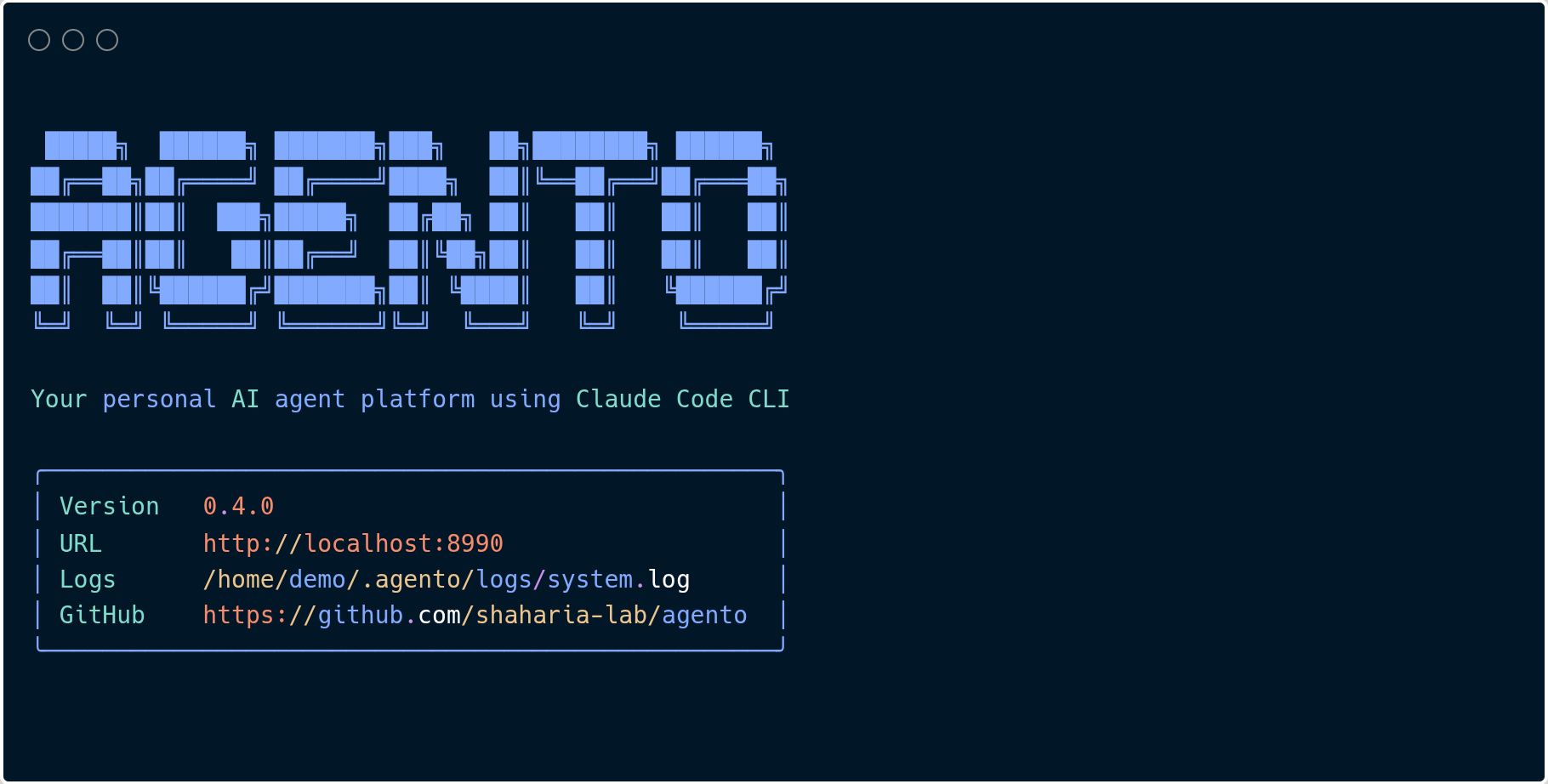
That’s it. Agento starts on port 8990 and opens your browser automatically. A short setup wizard walks you through picking a default working directory and model. After that, you are in.
The only real requirement is having Claude Code installed and authenticated on your machine. If you can run claude in your terminal and get a response, Agento will work.
Who Is This For
If you use Claude Code regularly and want better organization, Agento adds persistent history, named agents, and cost tracking that make a real difference over time.
If you are not a developer but want to use AI automation, the web UI removes the terminal requirement entirely. If you can fill out a form and click a button, you can build and run agents.
If you want AI to do recurring work automatically without you triggering it every time, the scheduler is the only real solution here.
The project is open source at github.com/shaharia-lab/agento. Try it out and open an issue if something does not work as expected.